 EN
EN UA
UA PL
PL DE
DE IT
IT FR
FR ES
ESGuest list and check-in
Everyone who registered, in one list with their answers. At the door, scan a guest's code or tap their name.




How it works
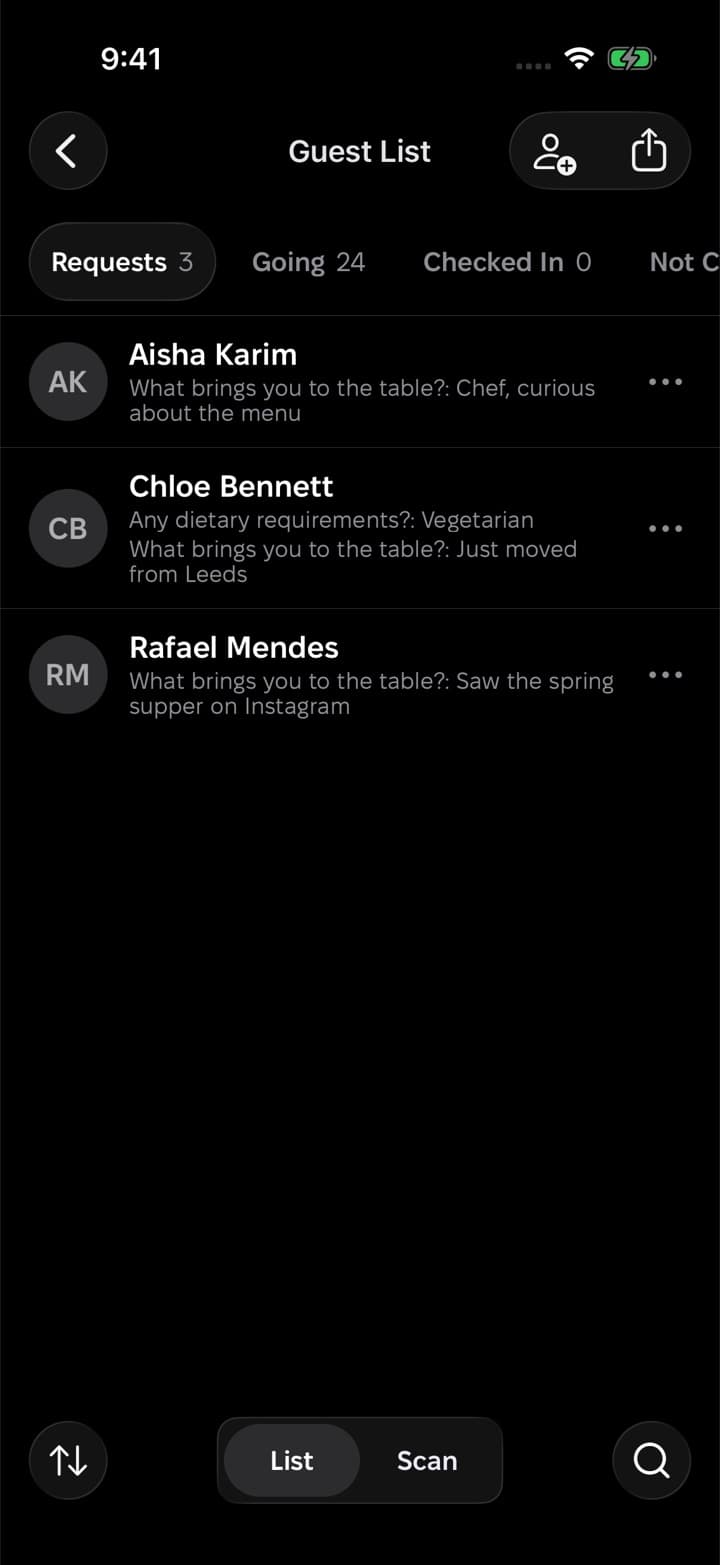

Requests arrive
01. With approval on, new registrations wait in their own tab with the answers attached, so you decide who comes.
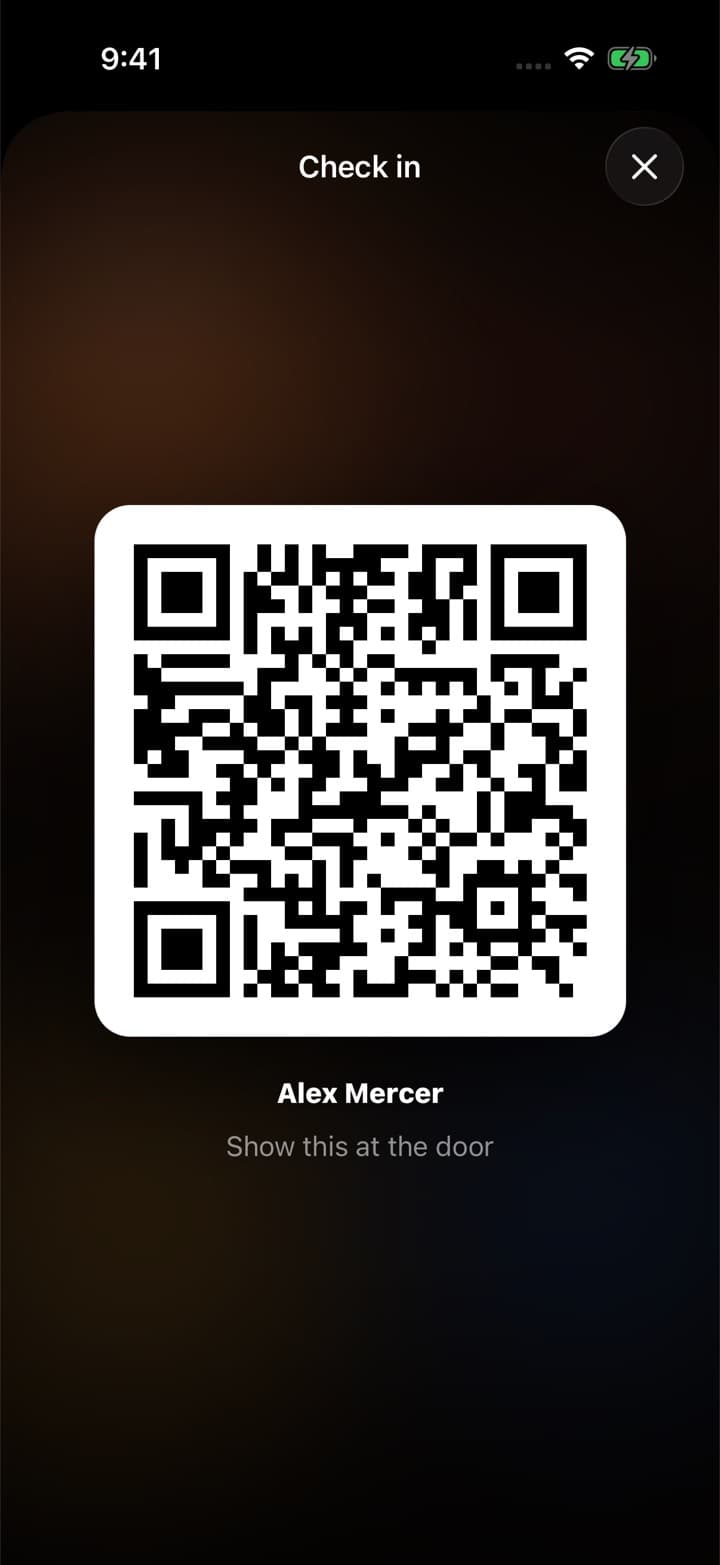
Guests get a code
02. Every registered guest has a ticket with a QR code in the app, ready to show at the door.
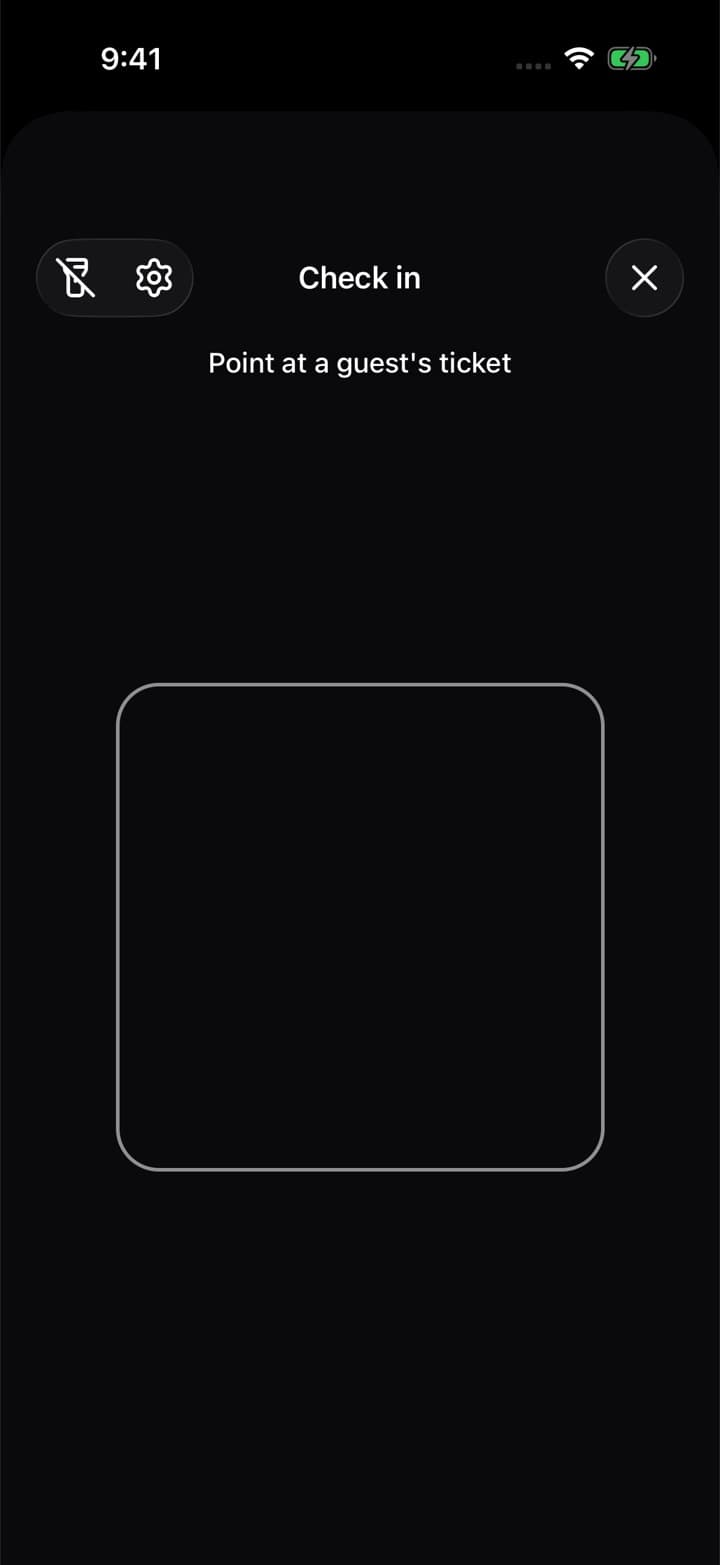
Check people in
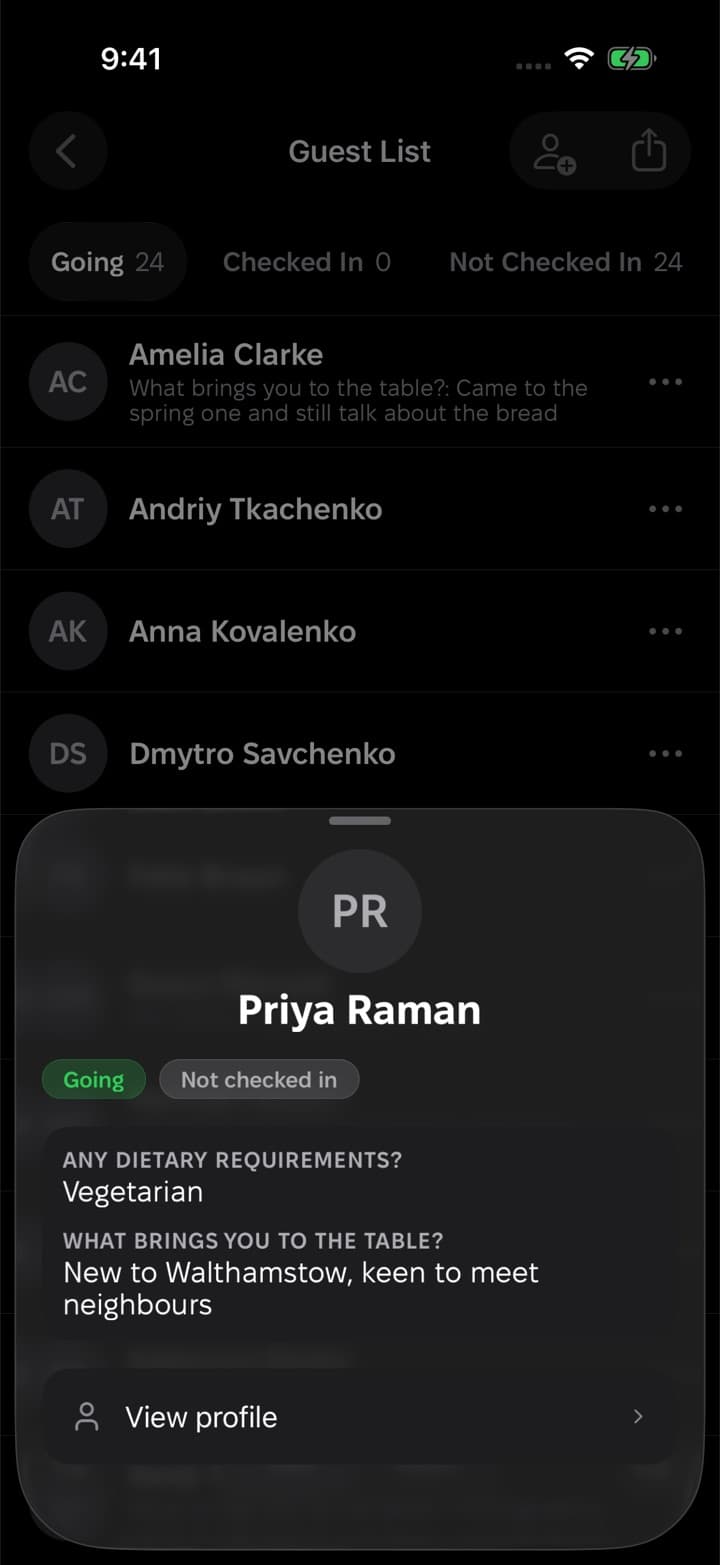
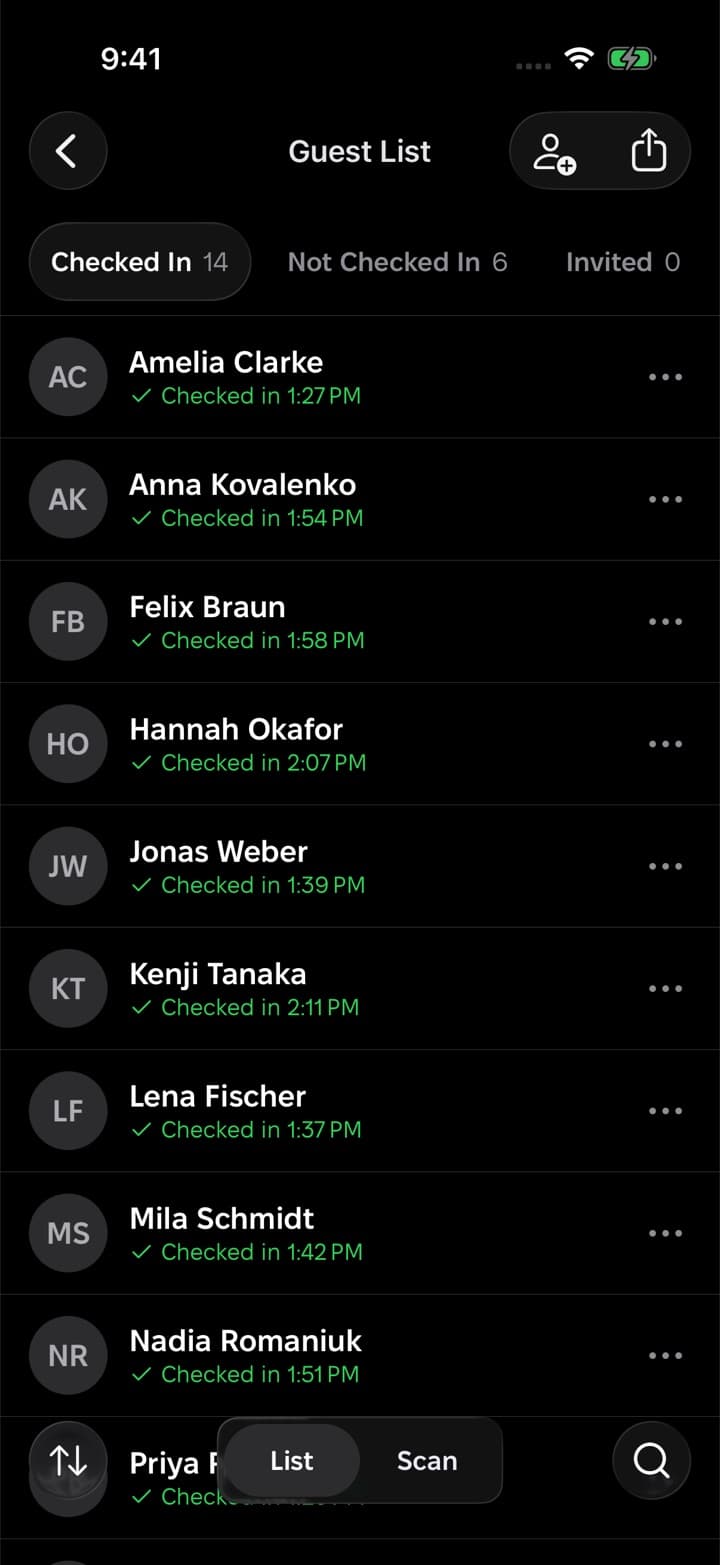
03. Scan the code or tap a name. The list shows who has arrived and who is still on the way.
Everything about your guests in one place
Answers beside every name
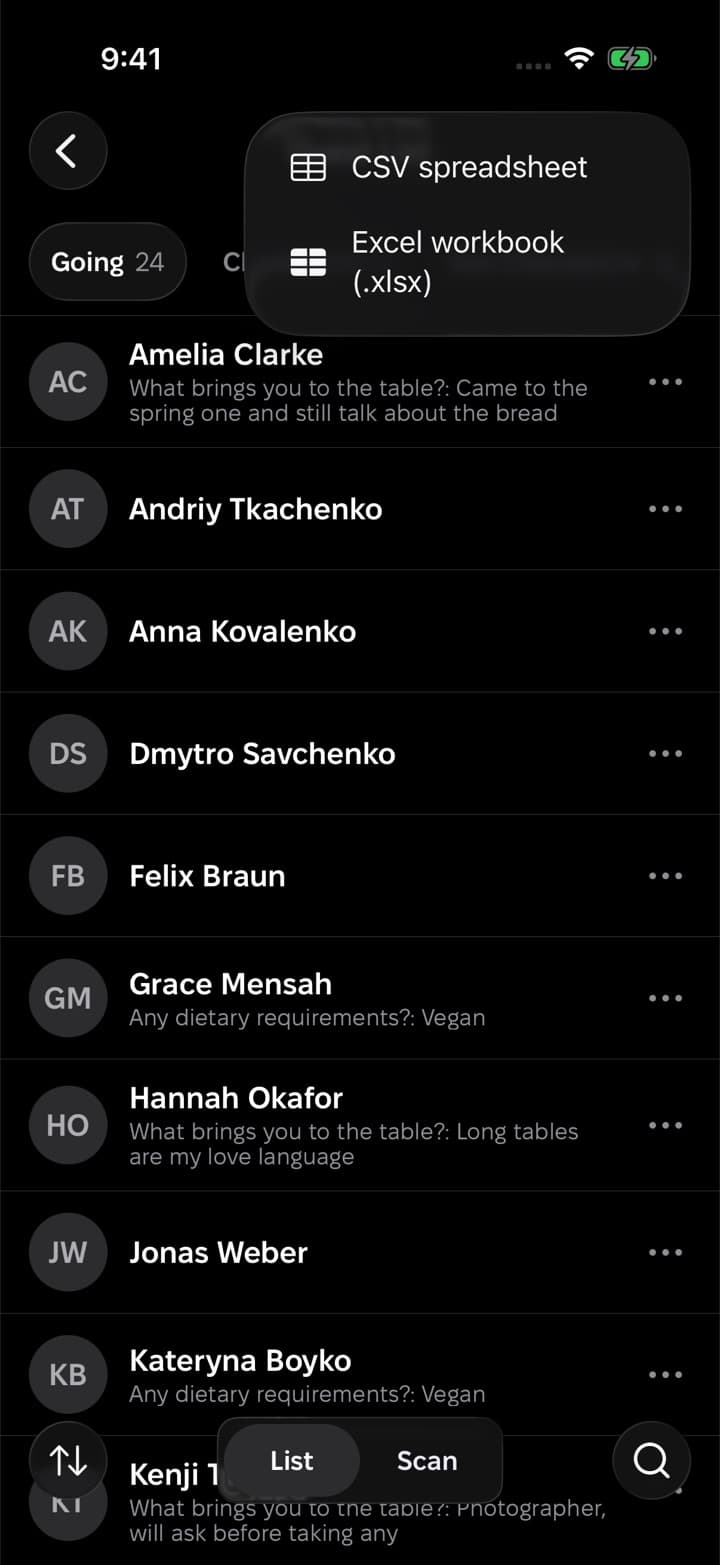
What each guest told you at registration sits under their name, so nobody has to scroll a spreadsheet at the door.
A tab for every status
Going, checked in and not yet arrived each have their own tab with a count.
Approve or decline
Requests wait until you let each person in, with their answers to help you decide.
Check-in without the app
A guest who has no app is found by name and checked in with one tap.
Search and export
Search the list and export the guests in view to CSV or Excel on iPhone.
How does check-in work?
Guests show the QR code from their ticket and you scan it in the app. Anyone without the app is checked in by tapping their name.
Can I see who has not arrived yet?
Yes. Checked-in guests and those still on the way have separate tabs, each with a count.
Can I export the guest list?
Yes. On iPhone you can export the guests in view to CSV or Excel.
Do guests need the app to get in?
No. A guest without the app is found by name on the list and checked in with a tap.
A waitlist that fills the room
When the event is full, people join the line instead of giving up. Each place that opens goes to the next person, and they have a set time to claim it.
Want a hand with your first event?
We usually reply within a day. Write to us and we'll help you set up your event, your organization or your guest list.
Or start on your own
Download Nook, sign in and publish your first event. It takes a few minutes.