 EN
EN UA
UA PL
PL DE
DE IT
IT FR
FR ES
ESGet the word out
Every event comes with what you need to share it: a link that reads well, a page in its own colours, and a poster made for Stories.

How it works
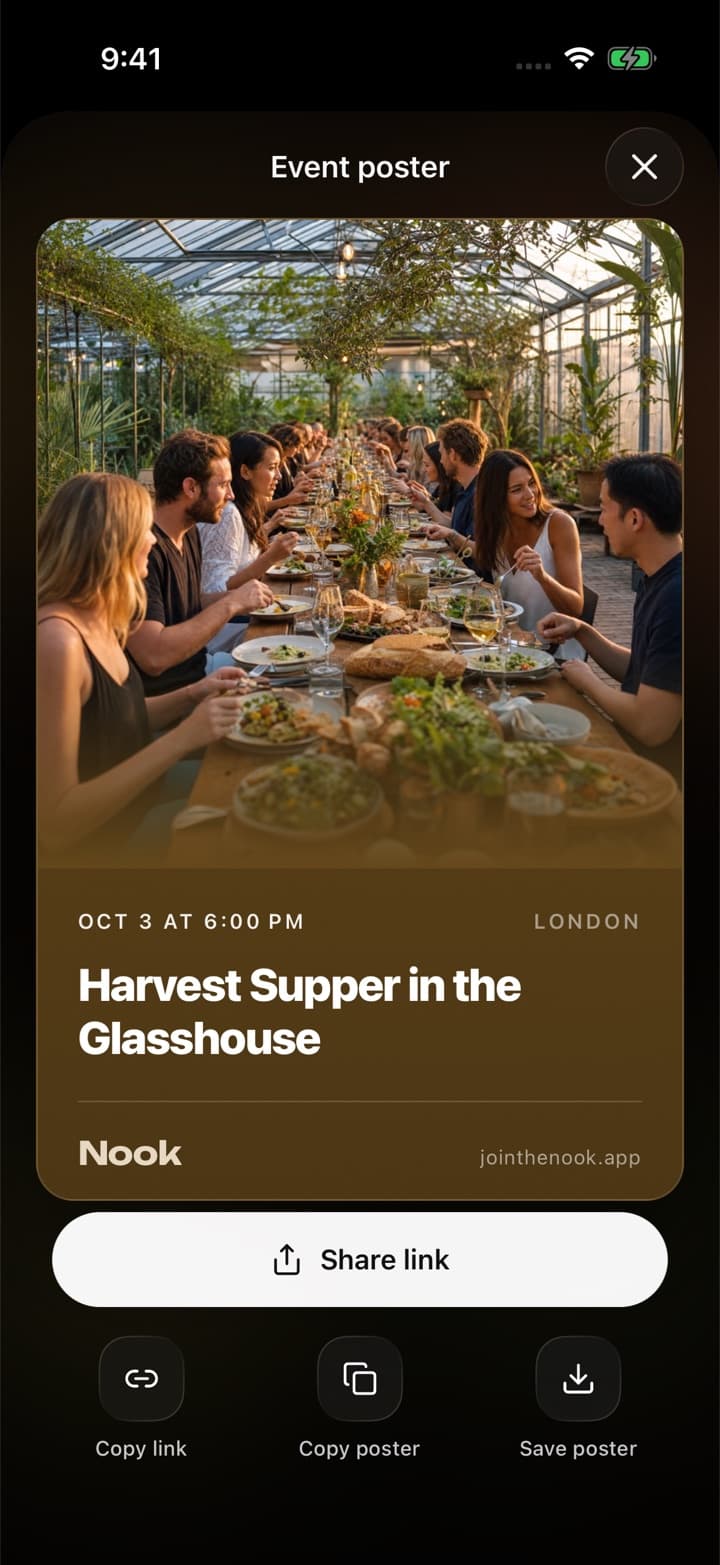
A poster, ready to post
01. Nook turns your event into a poster. Save it, copy it, or share it straight to an Instagram Story.
A link that reads well
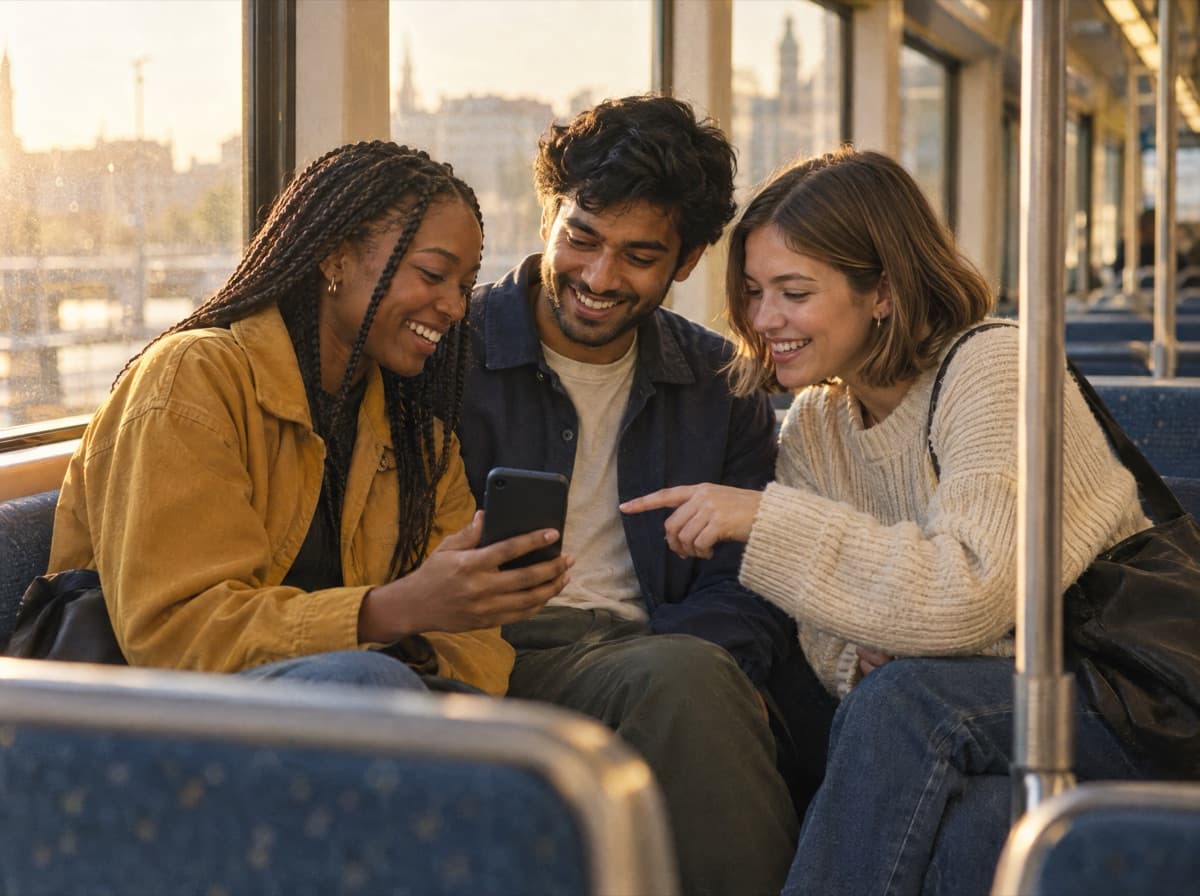
02. Every event has its own address with its name in it, and a preview image when you paste it into a chat.
A page in its own colours
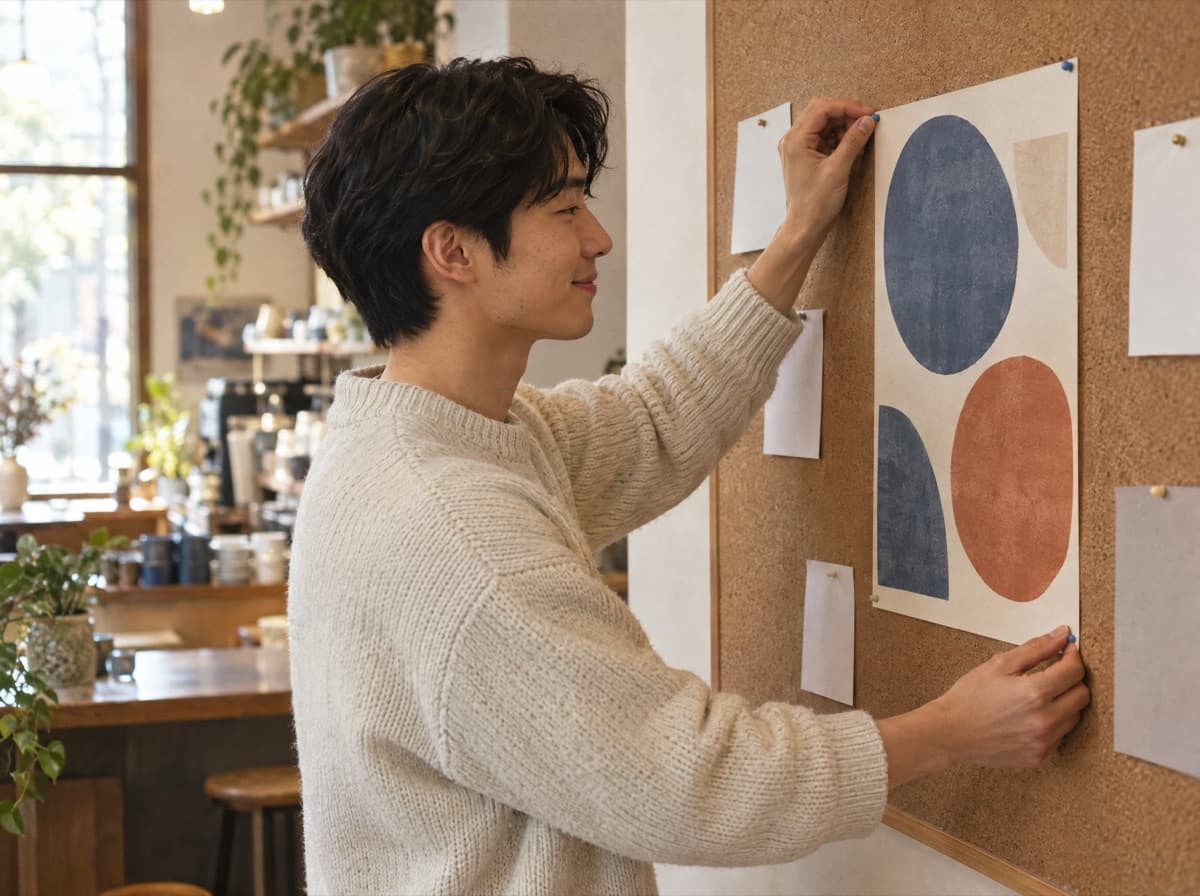
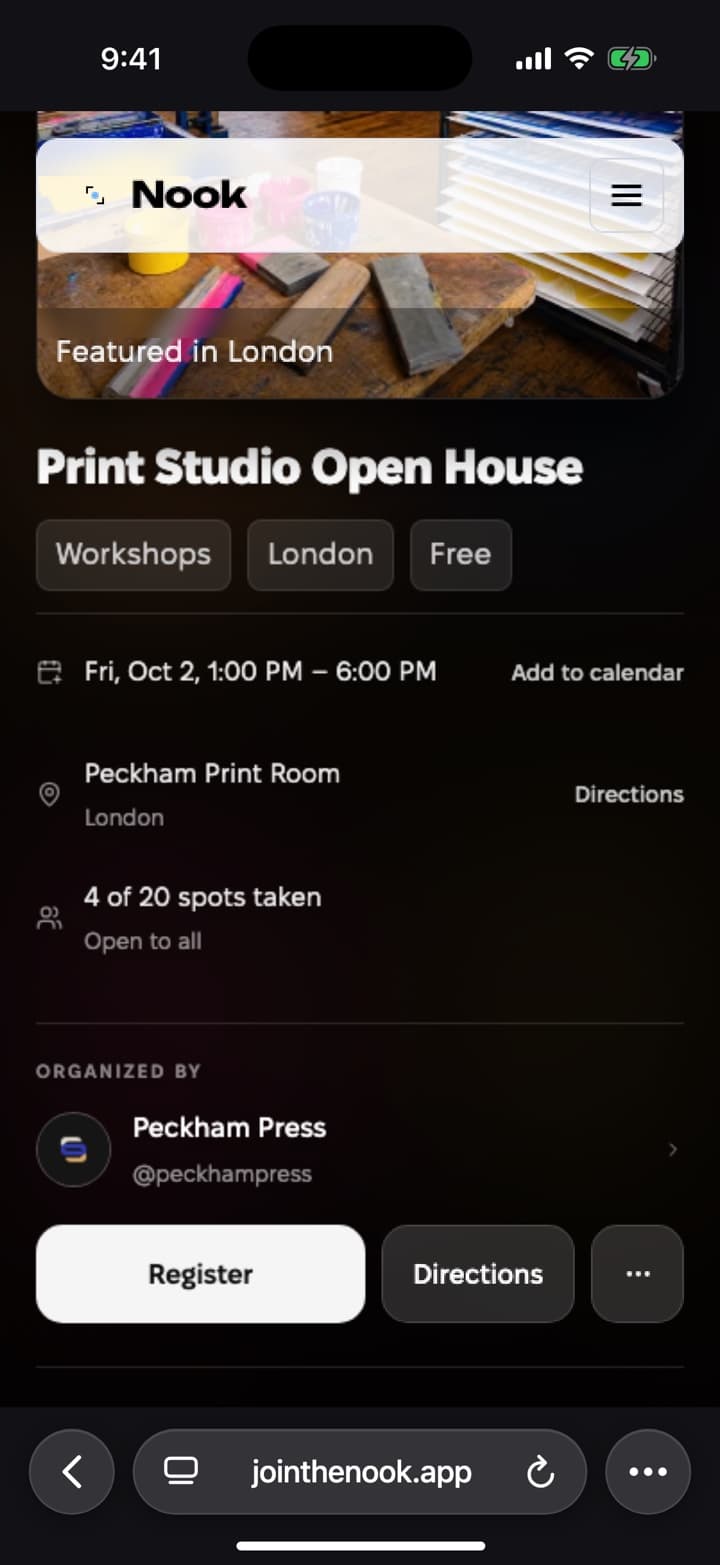
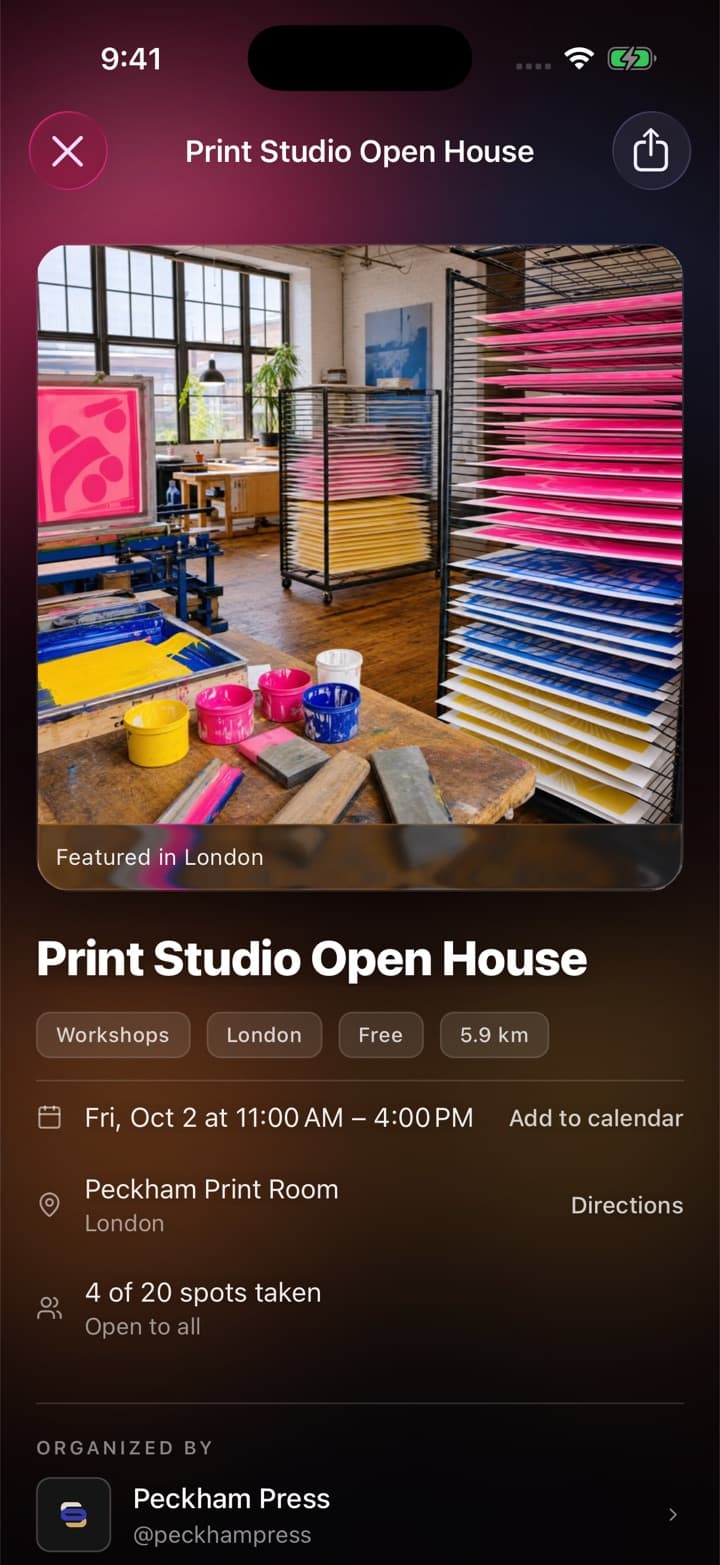
03. The event page takes its colour from your cover, so every gathering looks like itself, in the app and on the web.
Wherever people hear about it
Straight to Stories
Share the poster to an Instagram Story in one step, with the event's details on it.
Opens anywhere
The link opens in any browser, so people see the event and register without installing anything.
A QR code for the room
Show the event's QR code to someone in front of you, and it opens the event on their phone.
Where can I share my event?
Anywhere you can paste a link: chats, social media, email. The poster is made for Instagram Stories.
Will people find my event on Nook?
Public events appear in the feed, on the map and in search for people nearby. Private events stay off them.
What do people see when I paste the link?
A preview with the event's cover and name, and the event page when they open it.
Event registration
Guests sign up through one link and answer your questions before they arrive. No form to build, and no app they have to install.
Want a hand with your first event?
We usually reply within a day. Write to us and we'll help you set up your event, your organization or your guest list.
Or start on your own
Download Nook, sign in and publish your first event. It takes a few minutes.